Nutribook Website
The website for software that 10,000+ nutrition professionals use every day.
- Working with
- Nutribook
- Deliverable
- Website · Design & development
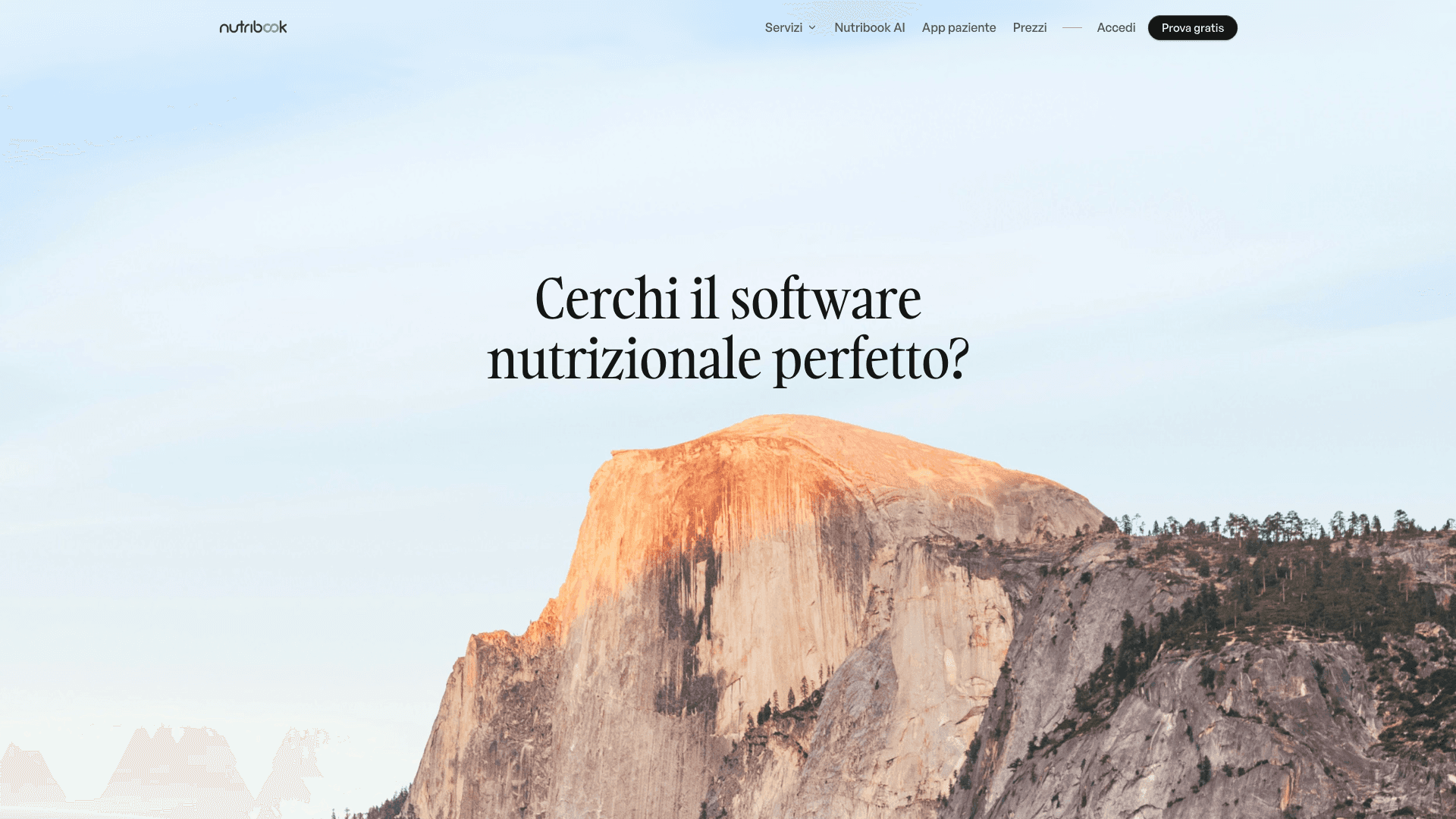
A new website for Nutribook, the management and diet-planning software for nutritionists. I designed and built it in Framer to replace the old WordPress site, with every feature page, FAQ and blog post running on a CMS.
One platform, explained one step at a time
Nutribook covers the whole working day of a nutritionist: agenda, anamnesis, body composition, diet planning, electronic invoicing, the Italian health-expense system and a patient app. The old WordPress site described all of this across 91 separate pages in four languages, each built by hand.
The new home page follows the same order as the work itself. It opens with a question in the hero, shows the product in a dashboard mockup and then the numbers (10,000+ active professionals, 500,000+ diet plans, eight years on the market), followed by the six core modules, the AI, the patient app and what colleagues say about it.
Feature pages from a database, not a page builder
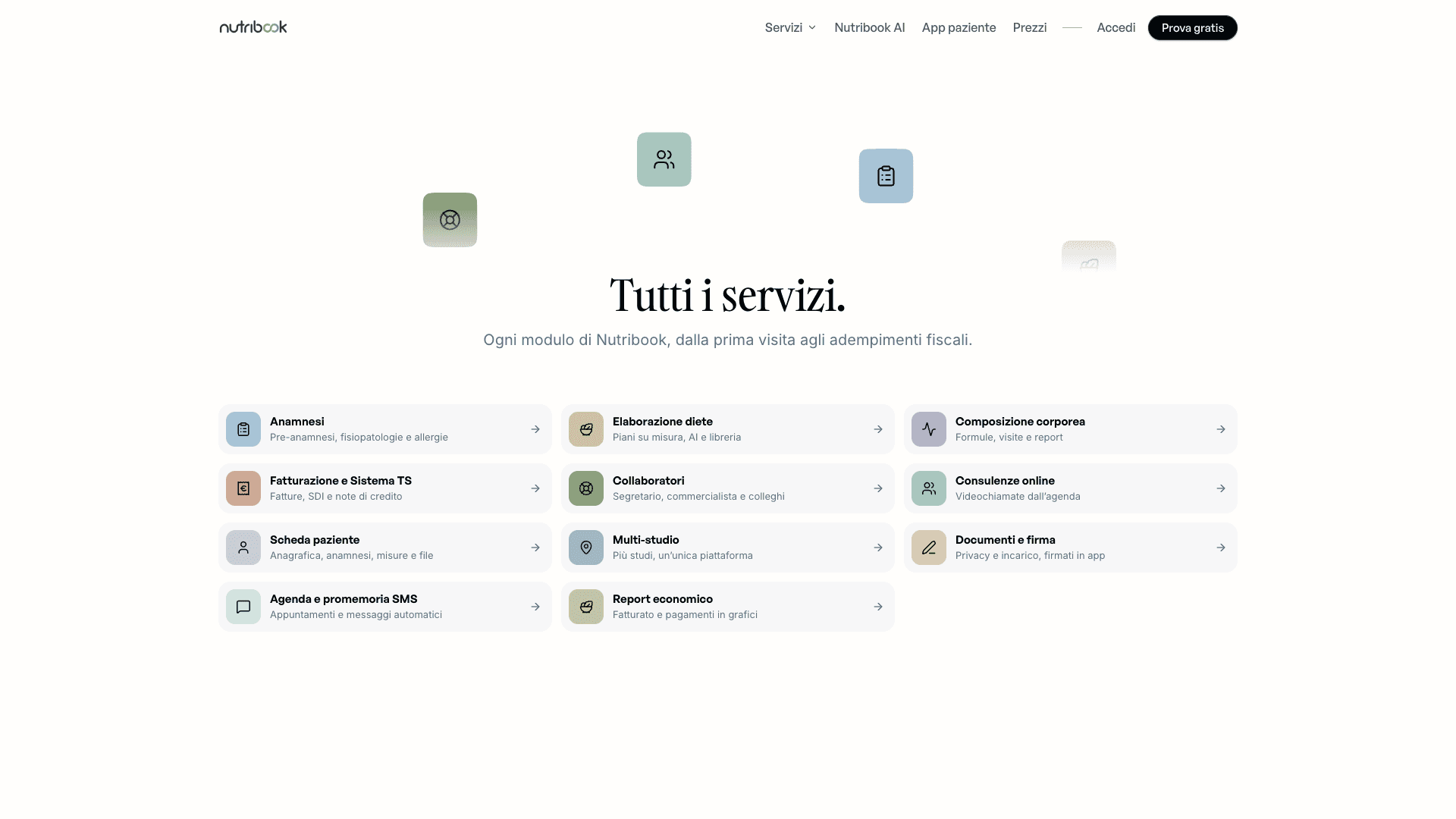
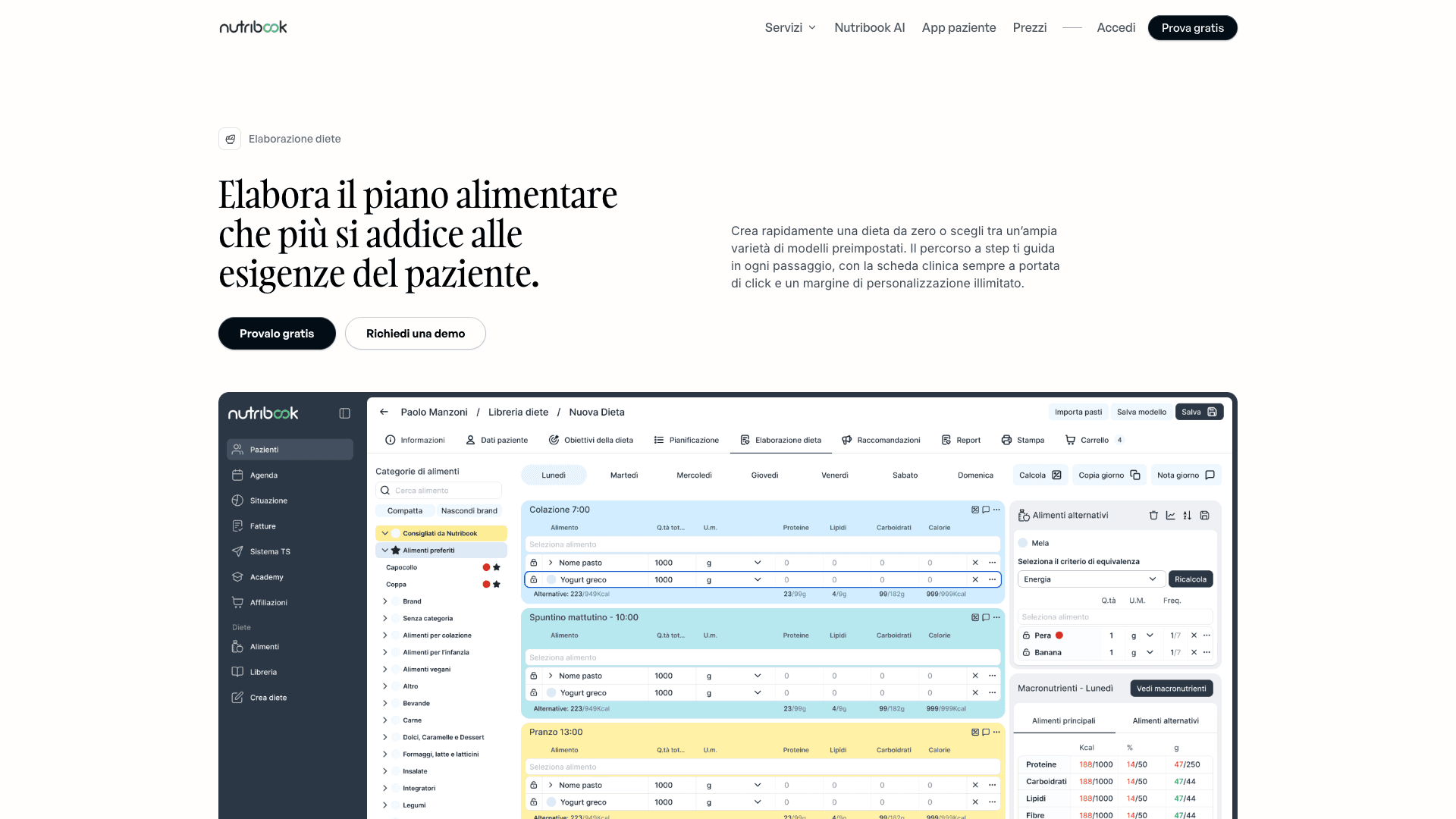
Every service page is the same template filled from the CMS. A Services collection holds 12 modules, and a Features collection holds 108 entries, each linked to its service and marked as a step or a block. The diet-planning page, for example, walks through eight steps from goals to print, then lists the details that matter: a 6,000-food database, automatic portions, household measures, alternative foods.
I kept the old URLs. The slugs from WordPress (elaborazione-diete, fatturazione, multi-studio and the rest) now live under /servizi/, and each page pulls its own questions from the shared FAQ collection of 51 answers.
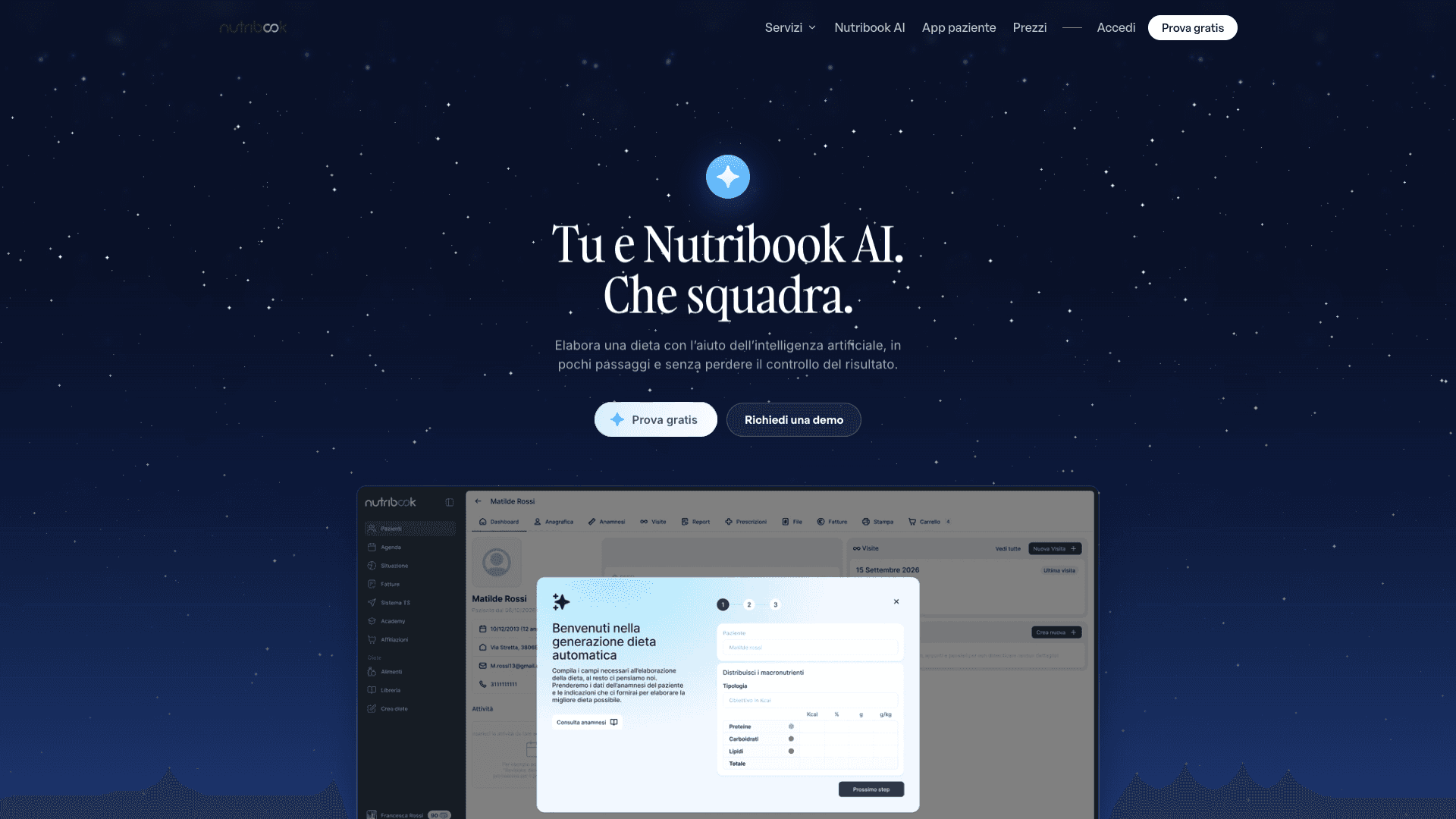
AI gets its own page and a starry background
Nutribook AI drafts a diet from the patient’s anamnesis and the nutritionist’s directions. It has its own page, which walks through the flow in four steps, from filling in missing data to the final report that explains the AI’s choices. The page answers the obvious worry first: the AI doesn’t decide the diet for you.
The AI sections switch to a dark, starry background, the only dark surfaces on an otherwise light site, so they’re easy to spot whether you reach them from the home page or the menu.
Pricing that answers its own questions
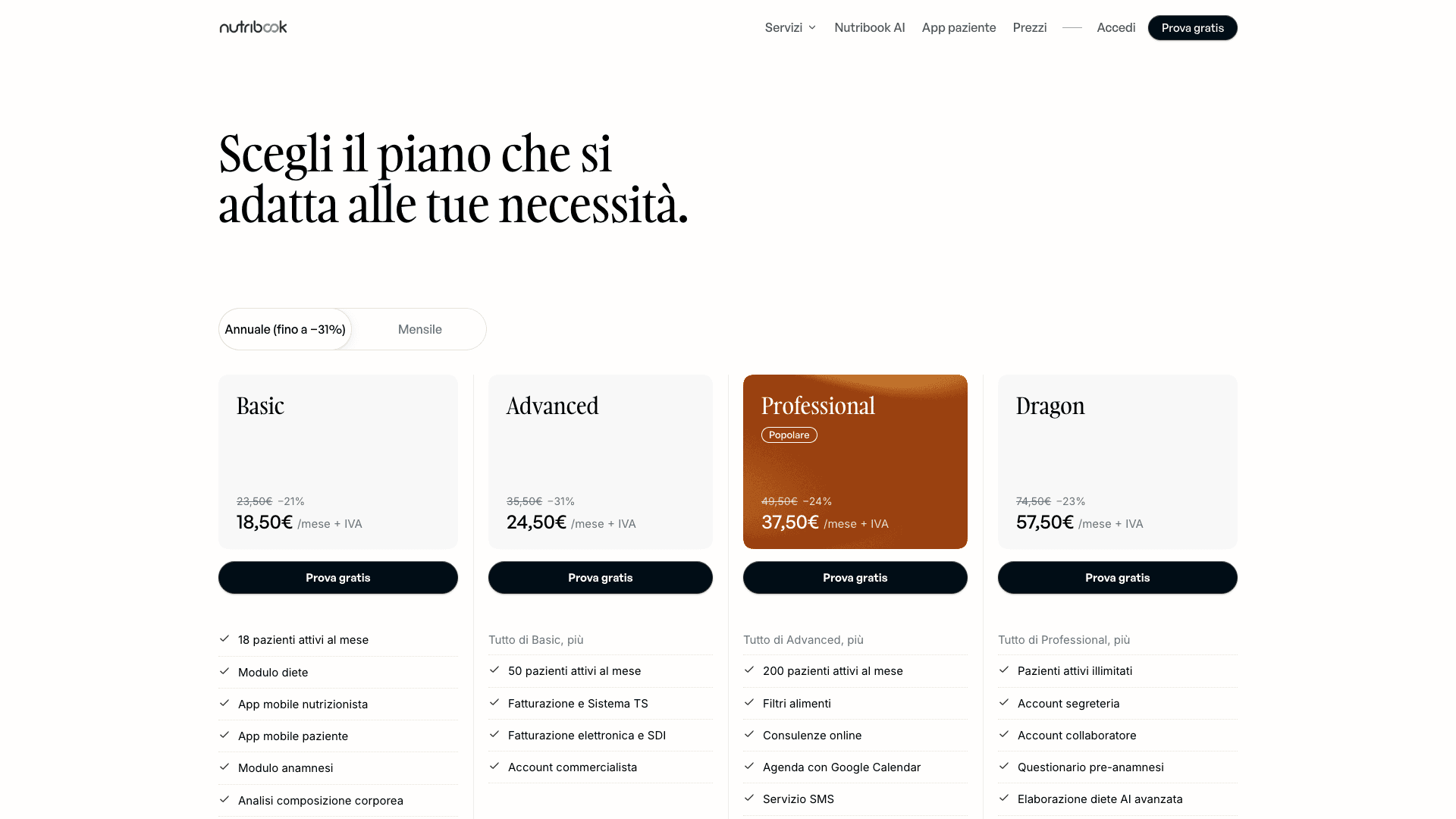
The pricing page puts four plans side by side with an annual/monthly toggle, followed by a full comparison table, SMS credit packs and the pricing FAQ: what counts as an active patient, how upgrades are billed, how to pause a subscription. Every page ends on the same two routes, a free 14-day trial or a 30-minute demo.
A separate use-case template covers audiences that need their own pitch. The first one offers free licenses to nutrition students, with its own request form.