
QuickFisco
Bringing a web tax platform to mobile, without losing its logic.
- Working with
- QuickFisco
- Deliverable
- UI/UX · iOS and Android
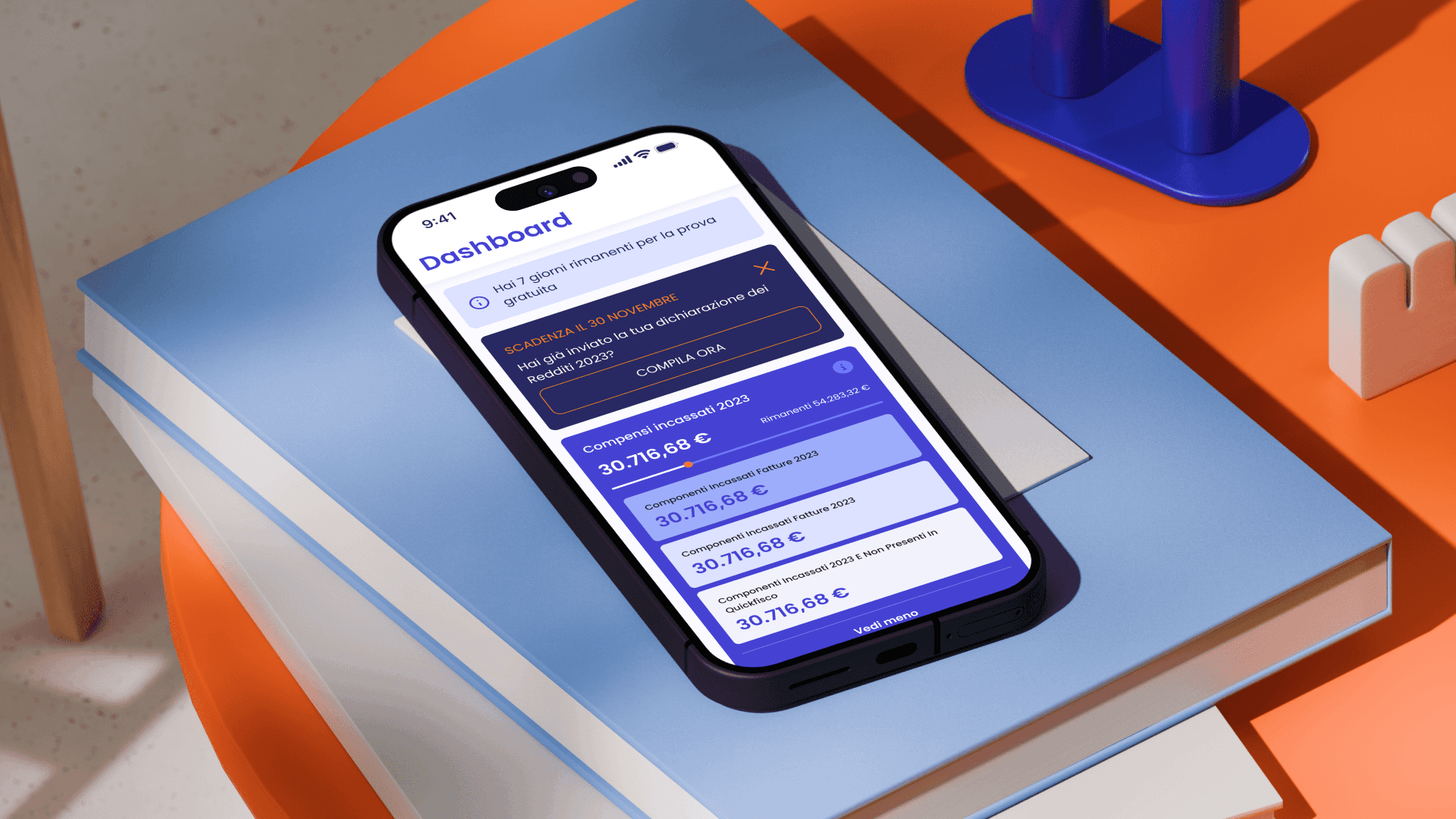
I designed the mobile app for QuickFisco, a platform that helps professionals on Italy’s flat-rate tax regime handle invoicing and filings. The web product already existed, and my job was to make it work on a phone.
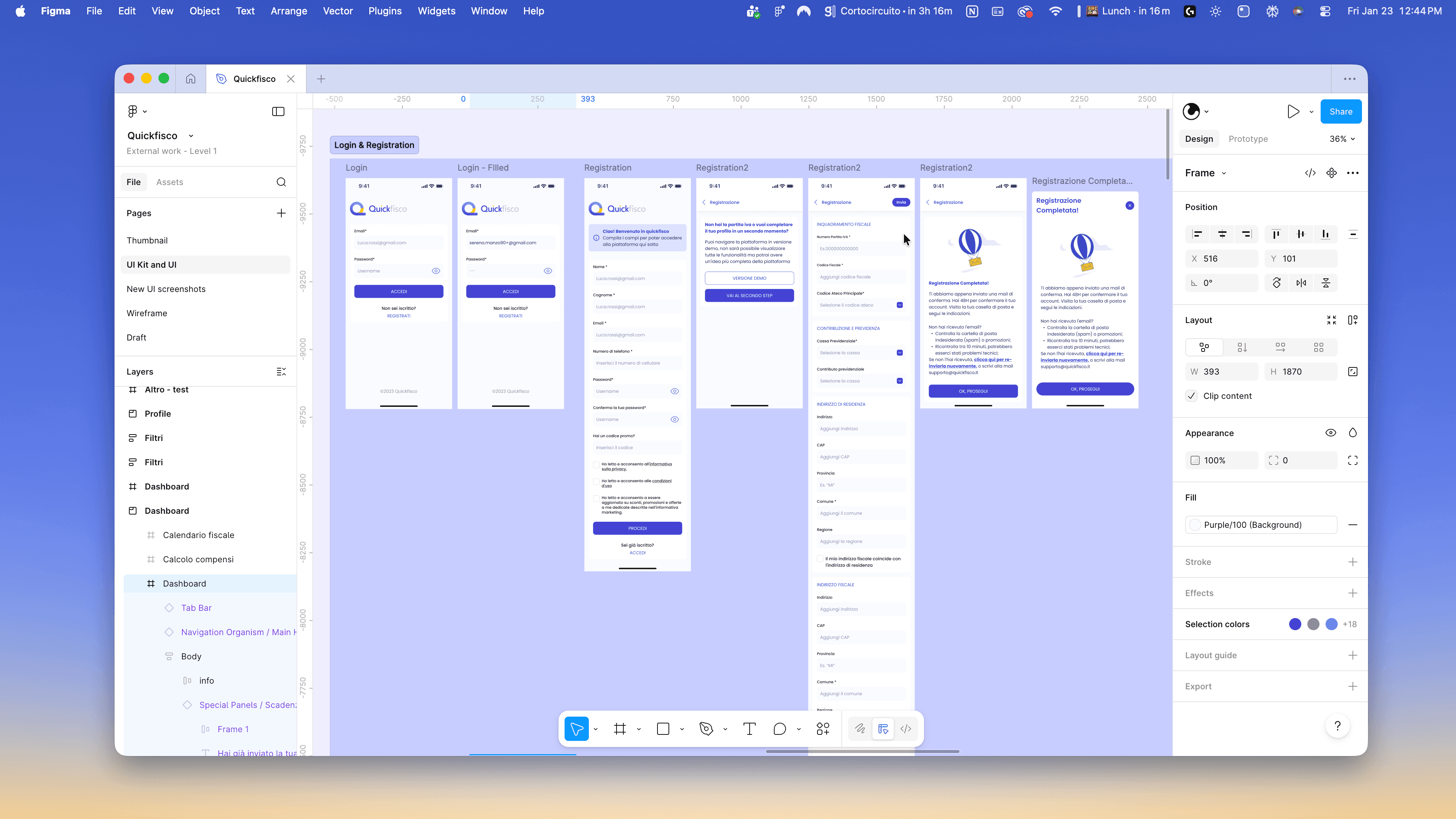
~30 Screens
A live product still being rewritten
The web platform was already live, and another team was redesigning it at the same time. A few alignment calls gave me their direction, and I worked from that, knowing parts of it would keep changing while I designed.
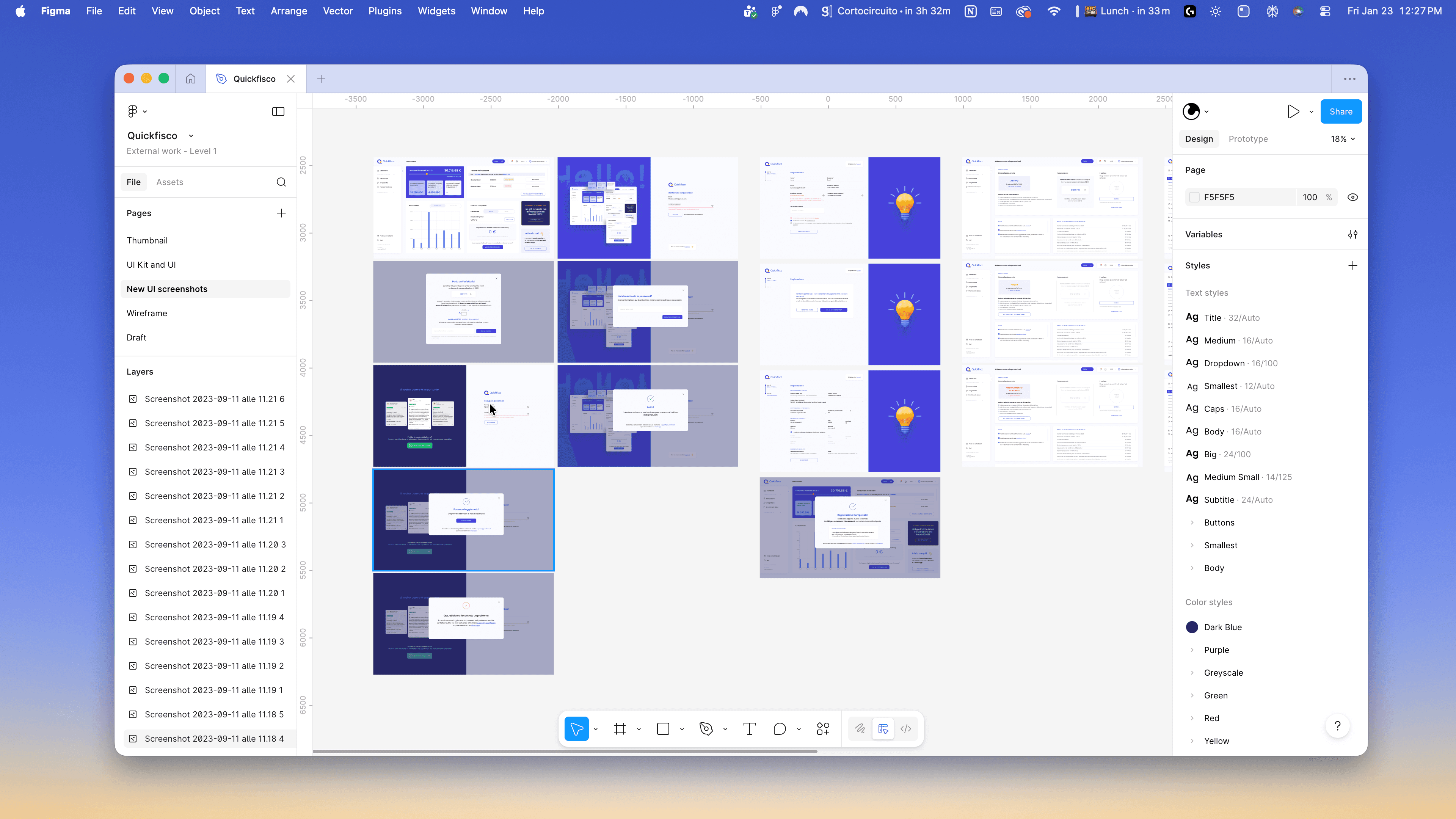
The tables were the problem
A desktop page can hold a lot of data at once, and QuickFisco’s did. Invoices, filings, thresholds and totals all shared a screen because there was room for them.
On a phone there isn’t. Instead of shrinking those pages, I broke them into sections with one focus each, and for every view I decided what a professional needs to see first when they open it on the go.
Navigation that behaves like a phone
On the web, navigation ran across the top. I moved it to a bottom bar because that’s where every other app on the phone puts it, and an app about tax deadlines shouldn’t make anyone think about where the buttons are.
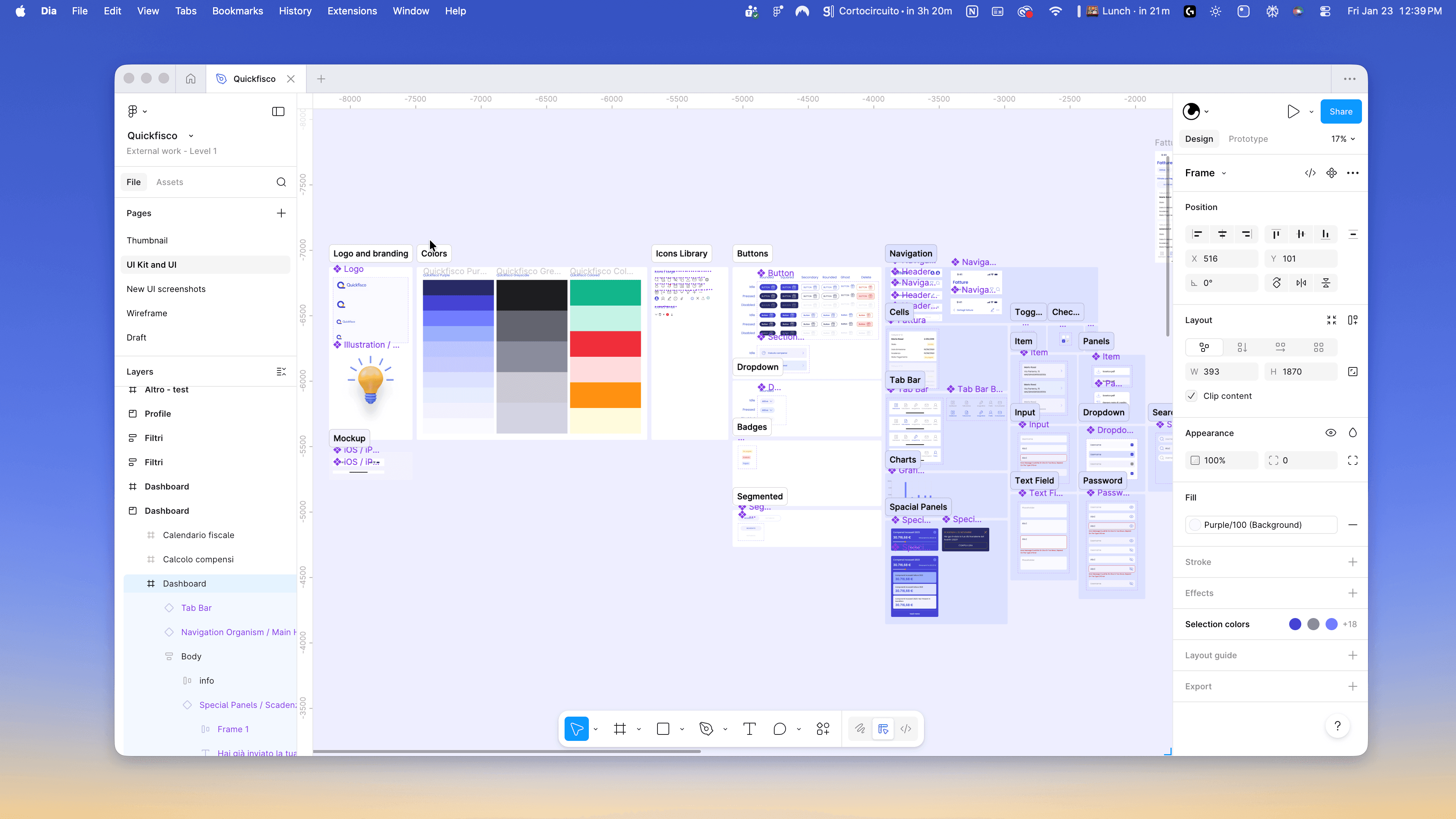
Components, in parallel
I built colors, typography, buttons and bars as reusable components while designing the high-fidelity screens. Thirty screens designed one at a time turn into thirty separate decisions. Built on shared components, they stay consistent.
Where it stands
The app is on the App Store and Google Play. I went through the work with the developers and the platform owners over several calls, and stayed available during development.